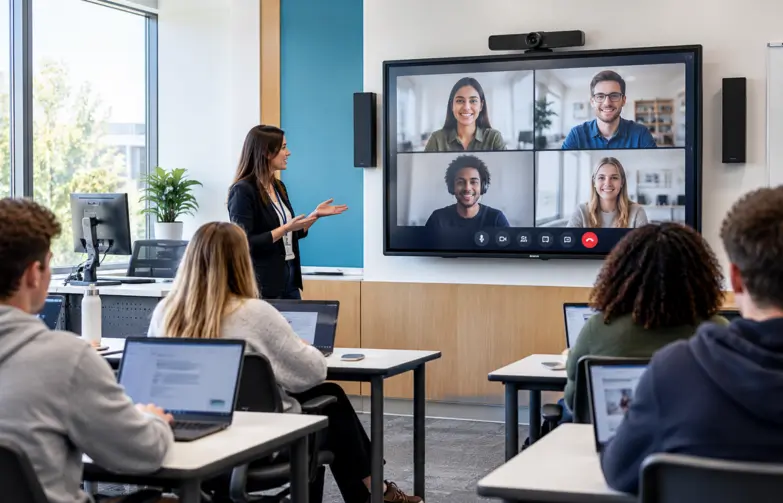
Start with how teaching happens, not the hardware
The best classroom technology begins with a simple question: how do your teachers actually teach?
A science lab, a lecture hall, a primary classroom and a sports hall all have different needs. Before choosing any equipment, it's worth mapping out:
How lessons are delivered, whether teacher-led, group work or hybrid
The size and layout of each space
Which devices teachers and students already use
Who will support the technology day-to-day
Starting here avoids one of the most common problems in schools: expensive equipment that looks impressive but goes underused.
Choosing the right interactive display
Interactive screens are now the centrepiece of most classrooms, but not all displays suit every room. When choosing one, consider:
Size and position: students at the back of the room should be able to read the screen as easily as those at the front.
Ease of use: teachers need to start a lesson in seconds, not minutes. Simple wireless sharing from a laptop or tablet makes a real difference.
Compatibility: the display should work with your existing devices, software and network.
Durability: classroom technology gets heavy use, so build quality and warranty matter.
Sound matters as much as the screen
Audio is often an afterthought in classroom technology, yet it has a huge impact on learning. If students can't hear the teacher or a video clearly, the best display in the world won't help.
Good classroom audio can include:
Speakers matched to the size and shape of the room
Voice amplification, so teachers don't have to raise their voices all day
Microphones for hybrid lessons, assemblies and presentations
It benefits every student, especially those at the back of the room or with hearing difficulties.
Connecting classrooms with video conferencing
Many schools and colleges now teach across more than one site, run remote sessions or invite guest speakers online. Reliable video conferencing makes this easy, with cameras and microphones that capture the whole room, not just the person standing closest to the laptop.
The key is simplicity. Teachers should be able to start a call with one click, using the same platforms the school already uses.
LED video walls for halls and shared spaces
For larger spaces such as main halls, receptions and lecture theatres, LED video walls offer a bright, seamless alternative to projectors. They're clear even in daylight, can be scaled to fit almost any wall, and work well for:
Assemblies and presentations
Digital signage and school announcements
Performances and sports events
Because they're a bigger investment, careful planning around size, viewing distance and content is essential.
The devices that connect it all
Screens and audio are only as good as the devices and network behind them. Laptops, tablets and teacher devices need to connect quickly and reliably, and the school's network needs to handle the extra demand. Planning devices and infrastructure together avoids frustrating delays and dropped connections in the middle of a lesson.
Technology for modern classroom
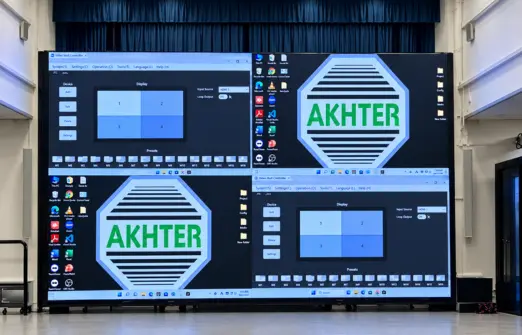
All-in-one LED video wall systems combining high-resolution displays, simple installation and flexible configurations to create impactful visual experiences across a wide range of applications.
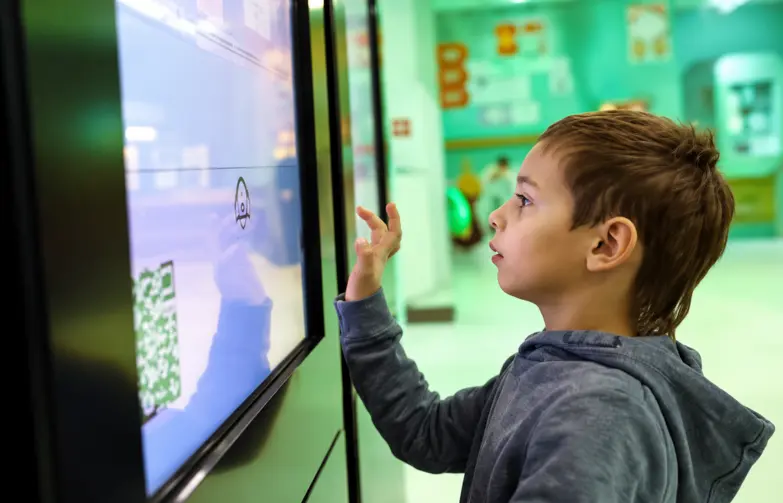
4K UHD interactive displays with anti-glare technology, built to deliver seamless collaboration and engaging teaching or meeting experiences.
Video conferencing solutions
Reliable video conferencing solutions designed to enable seamless communication and collaboration across remote teams
Installation, training and support
Even the best equipment can fall short without the right support. What makes the biggest difference over time is:
Professional installation: neat, safe and tested, with cables managed and equipment secured.
Teacher training: short, practical sessions so staff feel confident from day one.
Ongoing support: a responsive team to call when something goes wrong, so lessons aren't disrupted.
In practice: Forest Academy
Forest Academy is a two-form entry primary school in Croydon, with a high proportion of pupils learning English as an additional language. The school already had Prowise interactive touchscreens and iPads, but needed teaching software that could adapt to every pupil's level and be used from anywhere.
.webp)
Akhter delivered Prowise Learn and Prowise Presenter, linking the interactive screens with the iPads so pupils can follow each lesson individually and move on to exercises pitched at their level. A shared class login means teaching assistants, support staff and parents can access the same lesson content outside the classroom.
"I was impressed by the adaptive learning in Prowise Learn, which is the key. The pupils love the exercises, and it's used first thing in the morning."
Brian Byrne
Year 4 teacher, Forest Academy
Training was tailored to the different needs of the staff, so every teacher and assistant felt confident using it. The school also found it helped pupils prepare for the statutory Year 4 times tables check, as practising in a similar format built their confidence.
Read Forest Academy case study How Akhter can help
Akhter Computers has supported UK education for decades, designing, installing and supporting classroom technology from start to finish. Our AVIXA-certified audio-visual specialists work with schools and colleges to plan solutions around how they teach, from interactive screens and classroom audio to video conferencing and LED video walls.
As an approved supplier on the Commercial Services Group audio-visual framework, we also make it simple for schools and colleges to buy through a compliant route.
Planning a classroom technology upgrade?
Get in touch with our team to talk through what your school needs.
Contact our team